Made for Windows.
Calm by design.
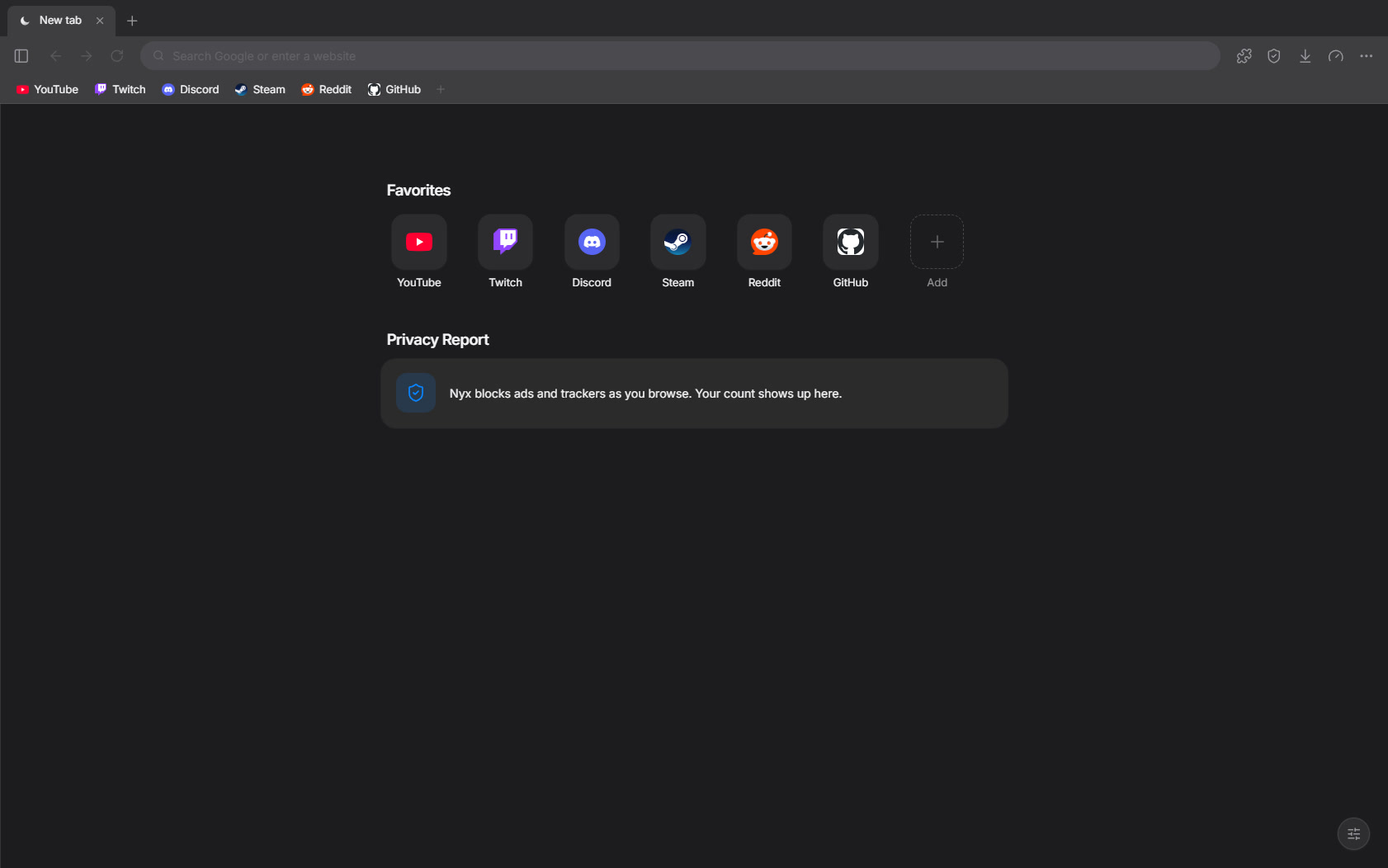
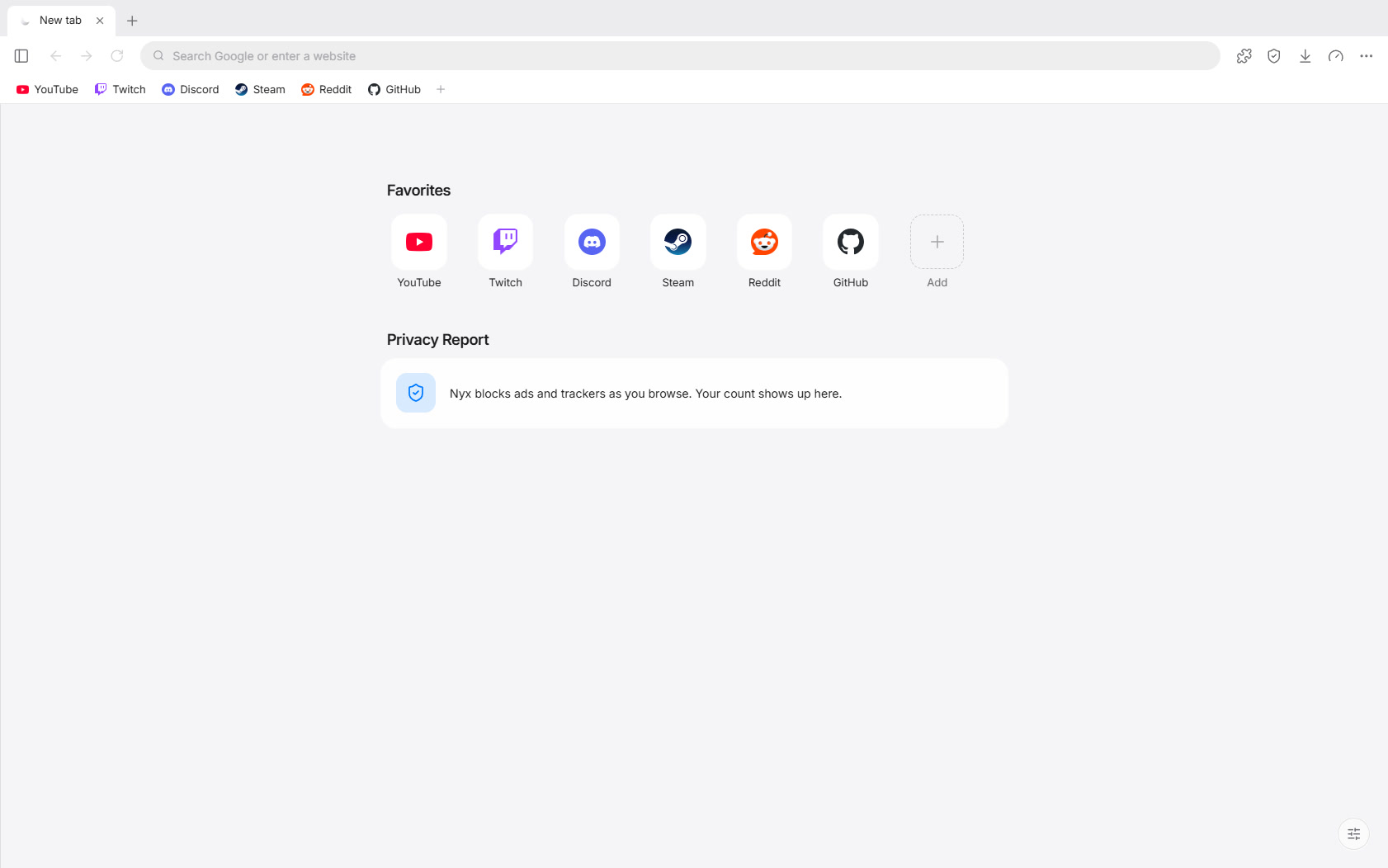
Real Windows tabs and window buttons, the system’s own type, and nothing on screen that doesn’t need to be there.
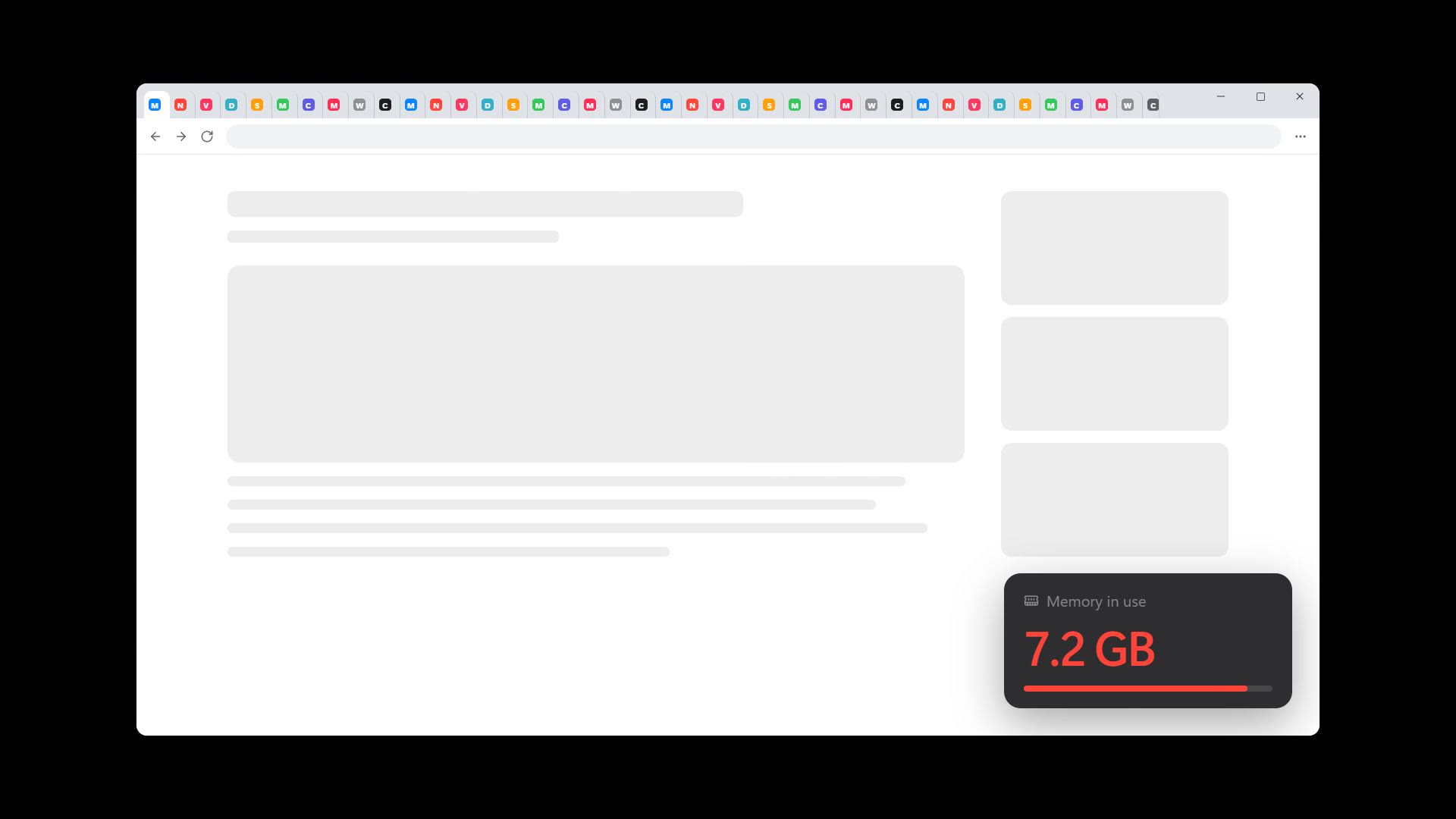
Forty open tabs shouldn’t slow down your game. With Nyx, they don’t.
Real Windows tabs and window buttons, the system’s own type, and nothing on screen that doesn’t need to be there.
Tabs you haven’t looked at in a while go to sleep and hand their memory back. Click one and it picks up right where you left it. Tabs playing music stay awake.
Illustration. Real memory use depends on the sites you open.
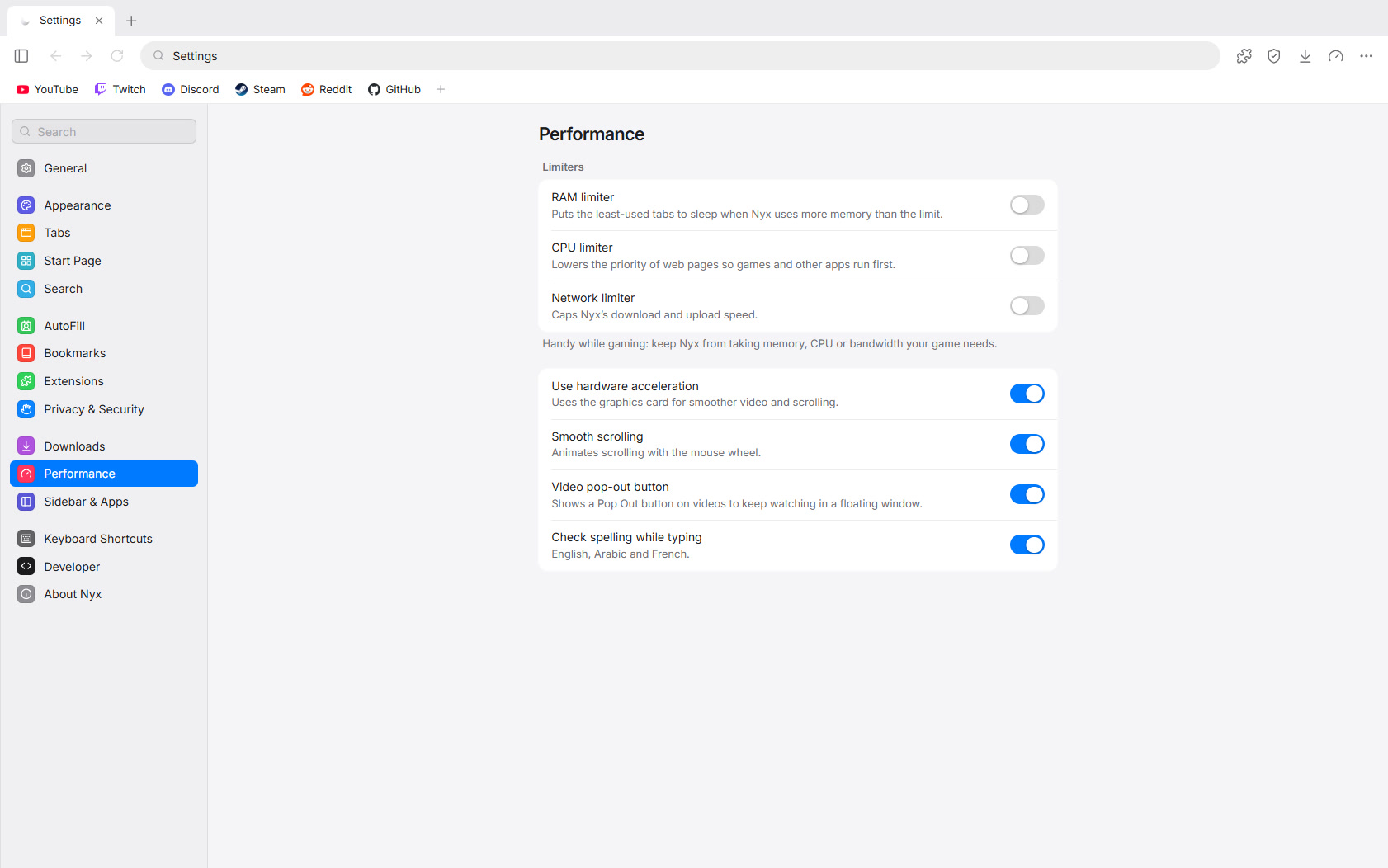
Cap how much memory, processor and bandwidth Nyx may use. Turn them on before a match and your game gets the machine, not your open tabs.
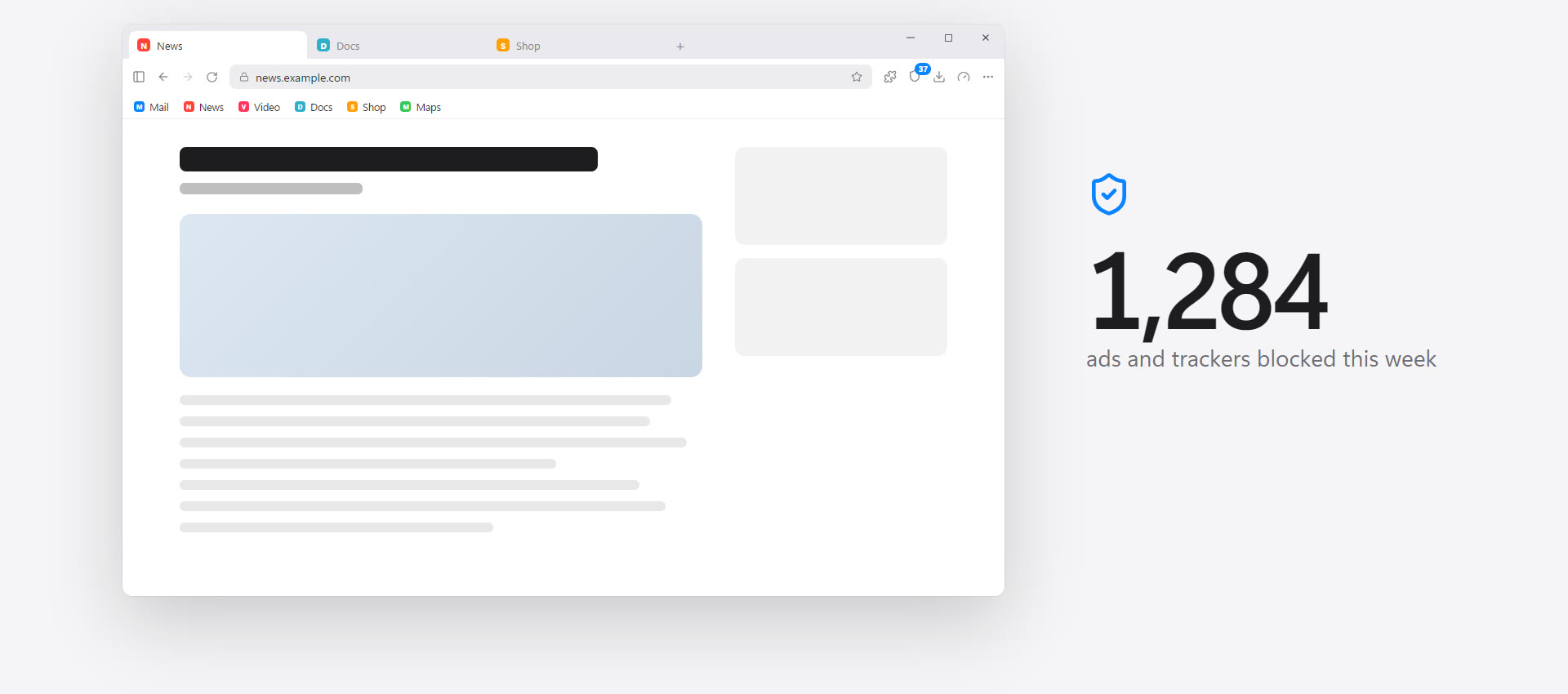
Built in, using the same community filter lists as uBlock Origin. Pages load faster and fewer companies follow you from site to site. Allow ads on a site you want to support with one click.
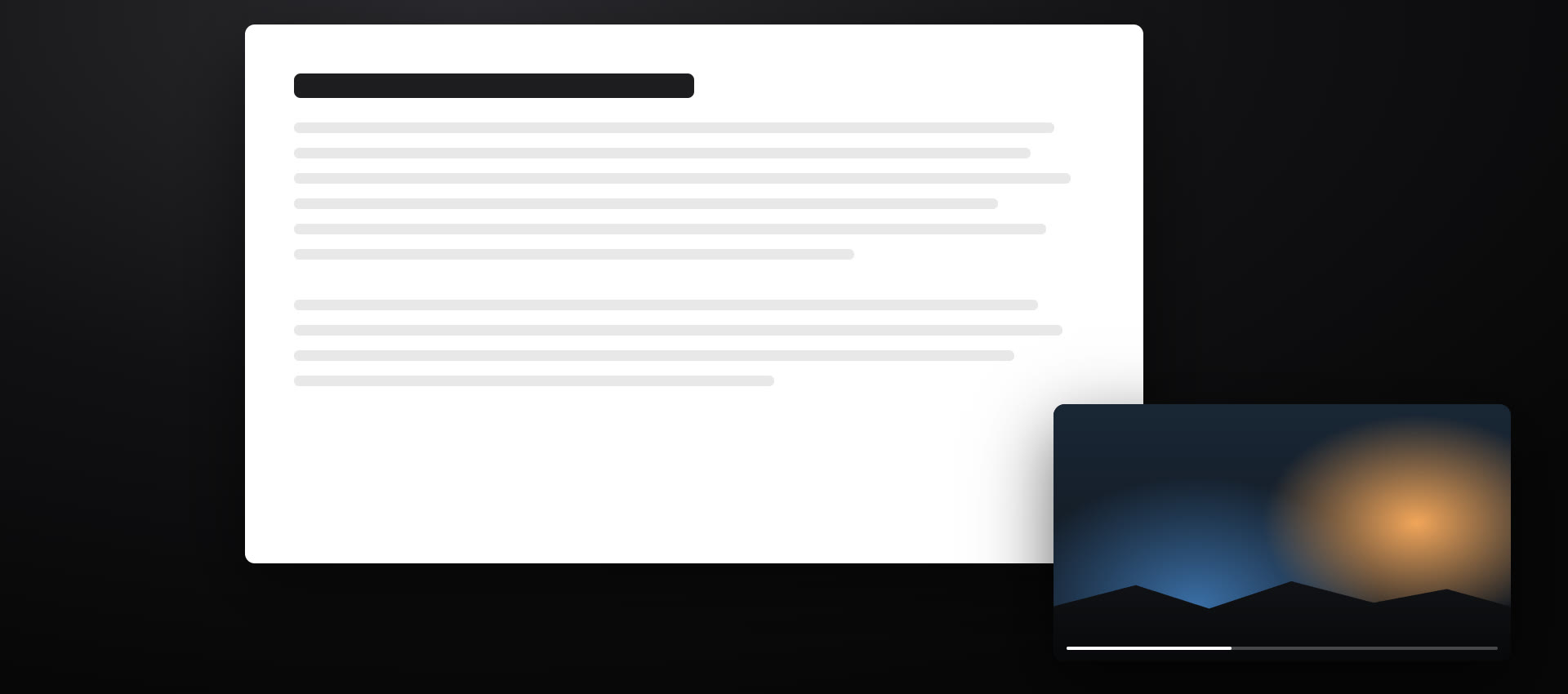
Pop any video out into its own window and drag it anywhere on your screen, on top of whatever you’re doing. Pause what’s playing from the taskbar or the tray.
Add password managers, dark mode and more straight from the Chrome Web Store.
Nothing you do in them is kept once you close them.
One look tells you whether updates, blocking and permissions are set up well.
New versions download in the background and install the next time you start Nyx.
Your sites under the toolbar, and pages saved for later.
Save a set of tabs, close them, and bring them all back later.
Press Ctrl+K to jump to any tab, page or setting.
Download images, copy links, search with Google Lens and more.
Switch languages in Settings. Arabic reads right to left.
The Nyx film, with sound.
Nyx doesn’t ask who you are and doesn’t send what you do anywhere. Your history, bookmarks and passwords stay on your computer. Read the Privacy Policy.